
Print-Ready Files tutorials
A print-ready file meets the resolution, bleed, color, and font requirements a printer needs to produce an accurate result — get any of these wrong and a job can be rejected, reprinted, or shipped with visible defects. These tutorials cover checking DPI, bleed, safe area, color mode, and font handling before a file goes to production, including how Printcart’s AI preflight tool catches common risks early. Use this category if you accept customer-uploaded artwork or want to standardize file checks across a catalog.
Browse other tutorial categories
Print-Ready Files tutorials
18 guides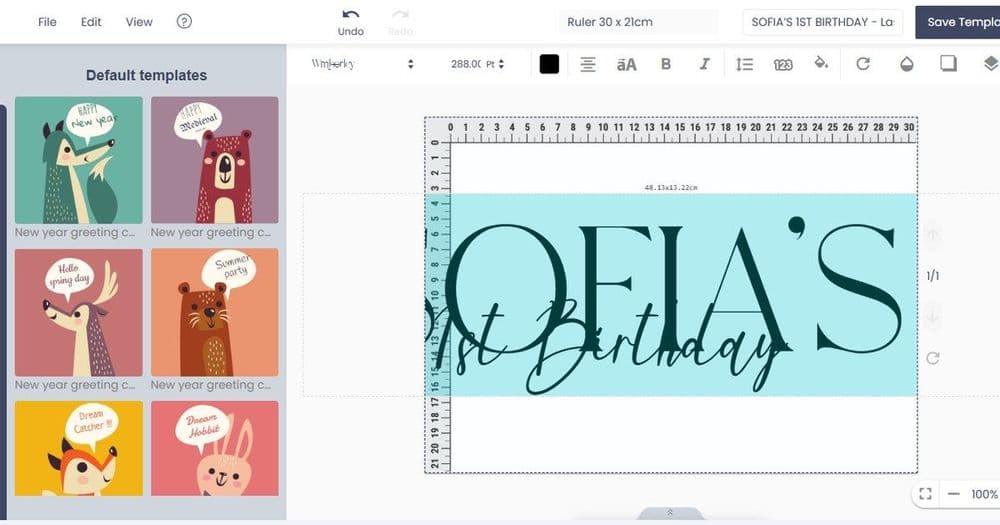 Print-on-Demand
Setting Up the Online Product Designer: A Complete Guide
Set up an online product designer with Printcart by defining print areas, adding templates and cliparts, configuring text and image controls, setting...
 Print-on-Demand
Automating POD Orders and Fulfillment with the Printcart API
The Printcart API lets developers automate print-on-demand orders, artwork files, and fulfillment status between a storefront and production. This guide...
 Print-on-Demand
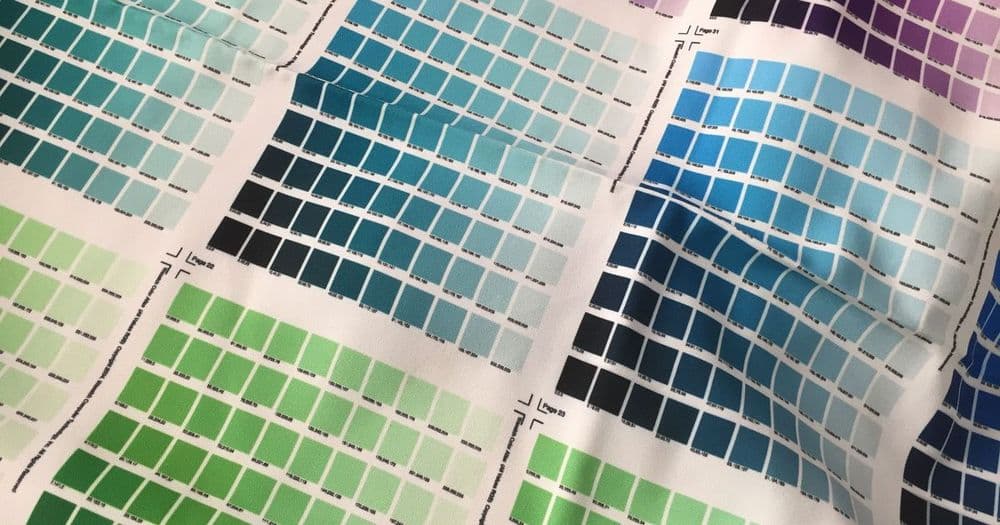
Preparing Print-Ready Files: DPI, Bleed, Color, and Fonts
A print-ready file has the right resolution, bleed, color mode, and embedded fonts so it prints cleanly without surprises. This guide explains each...
 Print Workflow Automation
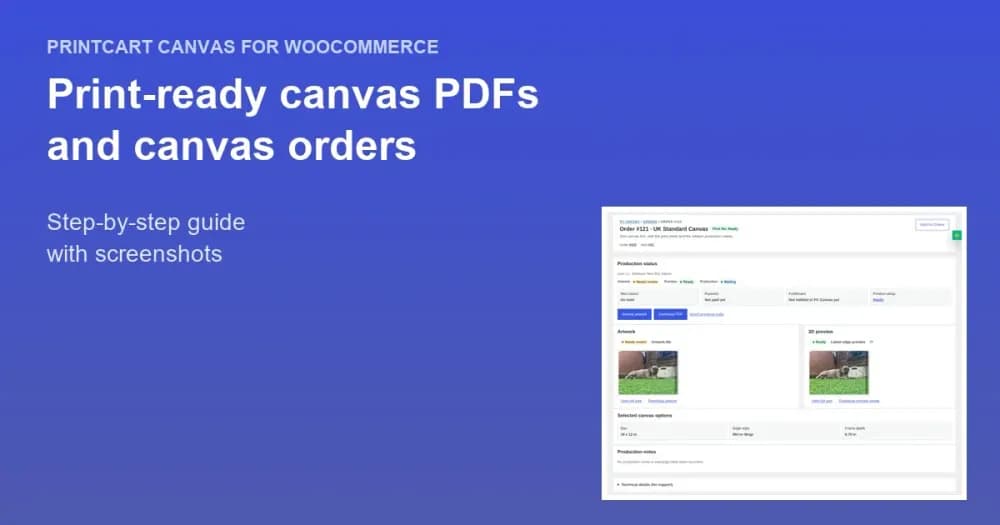
Download Print-Ready Canvas PDFs and Manage Canvas Orders
Find canvas orders, review artwork, and download a print-ready CMYK PDF for every order line, with trim, bleed and cut line set for the frame.
 Print-Ready Files
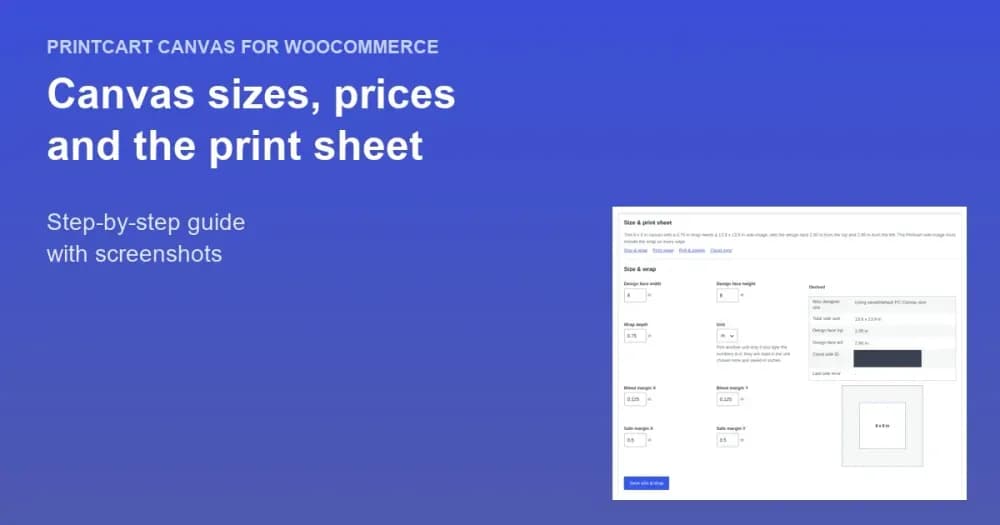
Set Up Canvas Print Sizes, Prices and the Print Sheet in WooCommerce
Configure canvas sizes, frame depths, table-based prices and the print sheet with bleed, wrap and staple margins in Printcart Canvas Product Setup.
 Print Workflow Automation
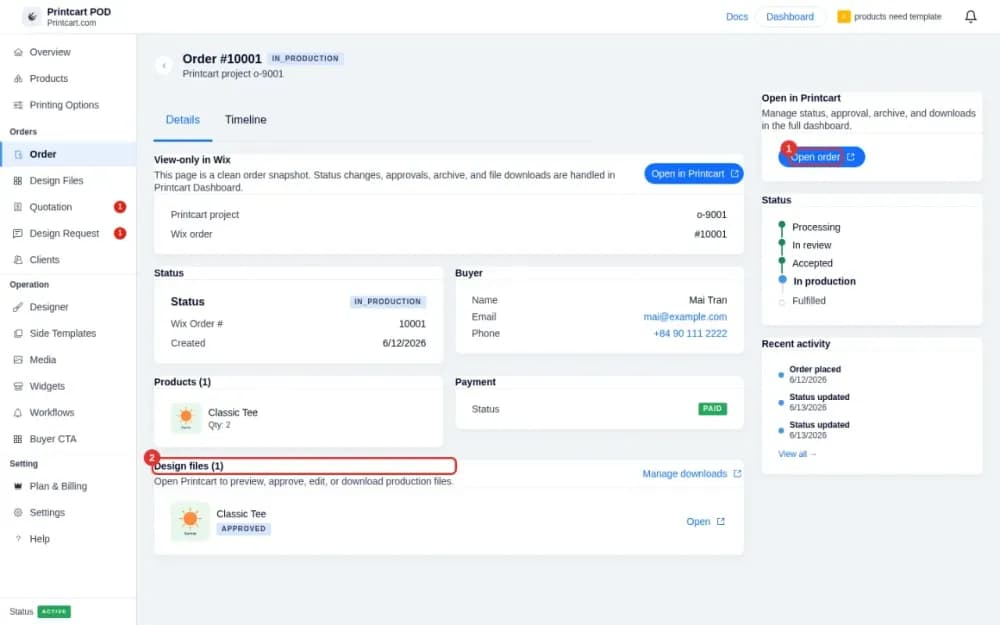
Receive Wix Orders and Download Print Files with Printcart
See new Wix orders with customer artwork, review design files, download print-ready files and control which notifications buyers and you receive.
 Print-Ready Files
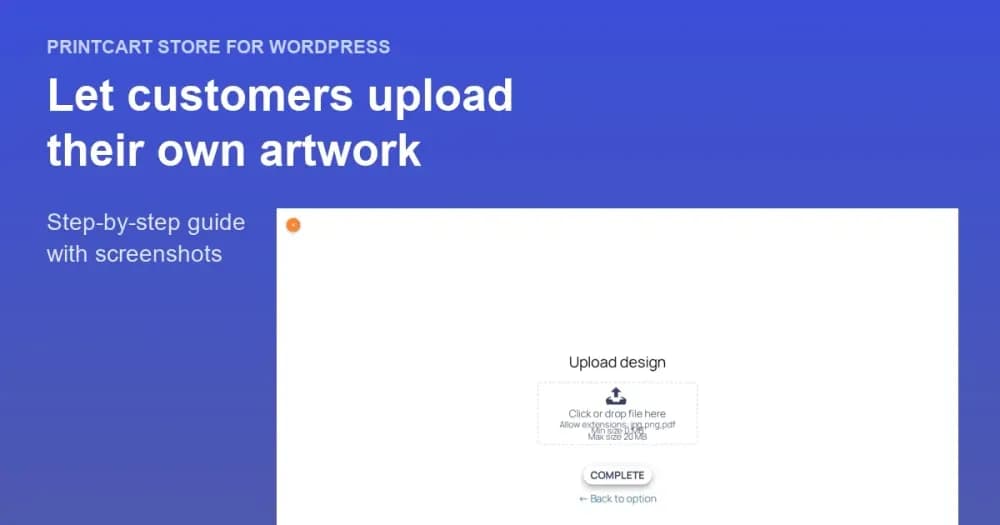
Let Customers Upload Their Own Artwork: File Types and Upload Rules in WooCommerce
Let shoppers send a finished file instead of designing online. Set file types, size limits and file count, then test the upload.
 Print-on-Demand
How to Join a Print-on-Demand Fulfillment Network (For Printers)
Join a print-on-demand fulfillment network by defining your production capabilities, mapping products and print methods, setting SLA and shipping zones,...
 Web-to-Print
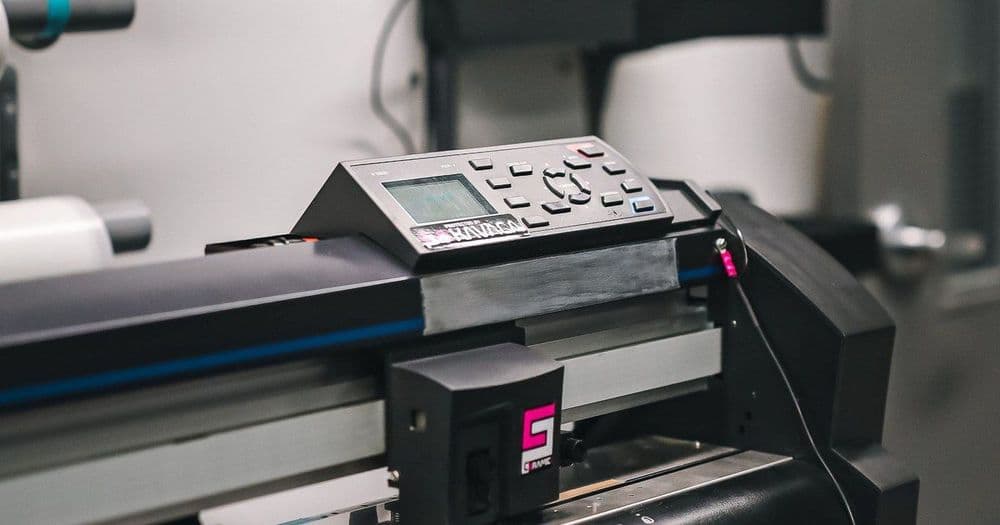
Turning an Offline Print Shop into a Web-to-Print Store
Turn an offline print shop into a web-to-print store by digitizing your catalog, adding an online product designer, structuring print options and pricing,...