To find a reliable printing partner for print-on-demand, compare production quality, product range, turnaround time, shipping coverage, pricing, communication, and reprint policies. Ask for samples, test real orders, define SLA terms, and connect order data early so the partner can meet customer expectations consistently rather than only at low volume.
Key takeaways
What should you look for in a print-on-demand printing partner?
A good print-on-demand printing partner should be evaluated on more than unit price. The cheapest quote often becomes the most expensive relationship once reprints, delays, and support time are counted. Start by scoring partners on fit, quality, and reliability, and treat price as one input among several rather than the deciding factor.
Product range and print methods
The partner must support the garments, gifts, signage, or packaging you plan to sell, in the sizes and colors your catalog needs, using appropriate print methods such as DTG, sublimation, screen, or UV. If a partner cannot cover your first launch catalog without manual exceptions, routing will be painful from day one. For a primer on how methods differ, see understanding different printing techniques.
Sample quality and repeatability
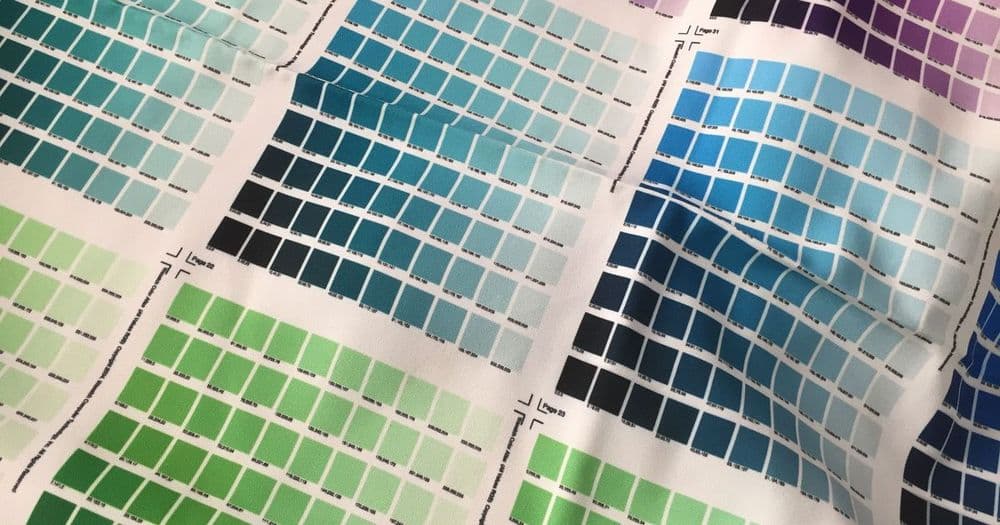
Test print quality with real artwork, including small text, gradients, edge-to-edge designs, and common file formats. Repeatability matters as much as a single good sample: order the same design more than once and confirm color and alignment hold. Run finished files through an AI-assisted preflight check first so a failed sample reflects the partner, not a bad file.
Turnaround time, shipping zones, and cut-off times
Ask for published turnaround times, shipping zones, carrier options, cut-off times, and rush handling. These determine whether you can keep the delivery promise you make to customers, and they drive how orders should be routed geographically.
How do you vet a printing partner before sending live customer orders?
Before live orders, review at least three sample designs for print quality, confirm catalog fit and turnaround with a delivery buffer, calculate margin after shipping and reprints, and agree on written reprint and data-handoff rules.
Order test samples with realistic artwork
Place real orders that mirror what customers will buy, not idealized demos. Include your hardest designs so you see the partner's true quality floor, and review durability where it applies, such as wash tests on apparel.
Check packaging, inserts, labeling, and tracking
Inspect how the product arrives: packaging quality, any branded inserts, correct labeling, and whether tracking is provided and accurate. The unboxing is part of your brand even when a partner produces it.
Document reprint and refund rules
Get the process for damaged, defective, or delayed orders in writing before live volume. Knowing who pays for a reprint, and how fast it ships, is the difference between a recoverable issue and an angry customer.
What should be included in a printing partner SLA?
A printing partner SLA should define production turnaround, cut-off times, handling for late or damaged orders, reprint rules, pricing components, and the handoff of artwork, SKU, variants, and personalization fields. Negotiate measurable thresholds with the provider before live order volume.
| Vetting item | What to verify | Pass threshold |
|---|---|---|
| Product fit | Products, sizes, colors, print methods | Covers first launch catalog without manual exceptions |
| Sample quality | Color accuracy, alignment, detail, durability | Passes review on at least 3 sample designs |
| Turnaround | Production days, cut-off time, rush options | Meets your delivery promise with buffer |
| Pricing | Blank, print, setup, packing, shipping, reprint | Margin stays positive after all costs |
| SLA | Reprint policy, damaged orders, late shipments | Written rules before live order volume |
| Data handoff | Artwork, SKU, variant, personalization fields | No manual re-entry for normal orders |
Pricing in the SLA should include setup fees, blanks, print method, packing, shipping, and rush handling so you can model margin before launch. Confirm your numbers with the POD profit margin guide before you commit to a partner's rate card.
How does Printcart fit into the partner workflow?
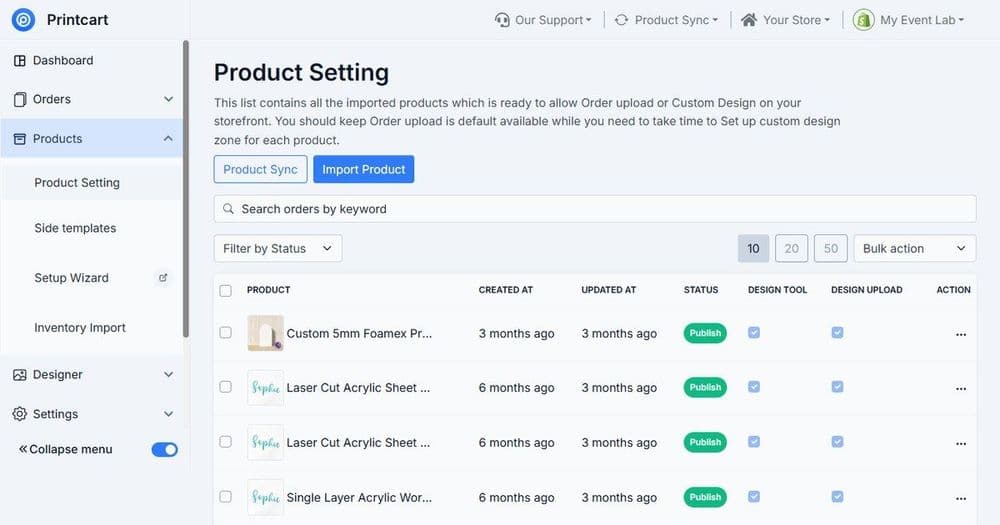
For Printcart stores, connect catalog data, design templates, customer artwork, and fulfillment requirements before order volume grows. A clean handoff of SKU, variant, personalization fields, and print-ready files avoids manual re-entry and helps partners meet turnaround.
Keep your Printcart product catalog accurate, because the catalog is what the partner produces against.
Common mistakes when choosing printing partners
- Choosing on unit price alone. Reprints, delays, and support costs can erase a cheap quote.
- Skipping realistic sample orders. Demos hide the quality floor your customers will actually see.
- No written SLA. Undocumented reprint and delay rules cause disputes under pressure.
- Scaling before a pilot. Prove quality and timing on low volume first.
- Manual order handoff. Re-keying artwork and variants invites errors as volume grows.
Printing partner checklist
Before you send live orders, confirm you have: a partner whose product range covers your catalog, at least three passed sample designs, published turnaround and shipping terms, a written SLA for reprints and delays, a margin model that survives all costs, and an automated data handoff. Treat the first month as a controlled pilot, then expand only after quality, timing, and support are proven.
Next best step
If you are on the supply side and want to receive routed orders instead of placing them, read how to join a POD fulfillment network as a printer. When you are ready to onboard a partner cleanly, Printcart offers a fulfillment partner onboarding service that sets up capability mapping, routing, SLA, shipping, and job intake with a first-live-job QA checklist.
Ready to connect a printing partner? Create a free Printcart account to set up catalog and order handoff, or talk to the Printcart team about fulfillment onboarding.
Printcart field note
What to verify before you roll out How to Find Printing Partners for Print-on-Demand: Vetting & SLA Checklist
This tutorial is written from Printcart implementation patterns across catalog structure, design controls, and customer personalization. Before treating it as complete, test the workflow with one real product, one real design file, and one real order path.
How to Find Printing Partners for Print-on-Demand: Vetting & SLA Checklist — common questions
What should you look for in a print-on-demand printing partner?
A good print-on-demand printing partner should be evaluated on more than unit price. The cheapest quote often becomes the most expensive relationship once reprints, delays, and support time are counted. Start by scoring partners on fit, quality, and reliability, and treat price as one input among several rather than the deciding factor.
How do you vet a printing partner before sending live customer orders?
Before live orders, review at least three sample designs for print quality, confirm catalog fit and turnaround with a delivery buffer, calculate margin after shipping and reprints, and agree on written reprint and data-handoff rules.
What should be included in a printing partner SLA?
A printing partner SLA should define production turnaround, cut-off times, handling for late or damaged orders, reprint rules, pricing components, and the handoff of artwork, SKU, variants, and personalization fields. Negotiate measurable thresholds with the provider before live order volume.
How does Printcart fit into the partner workflow?
For Printcart stores, connect catalog data, design templates, customer artwork, and fulfillment requirements before order volume grows. A clean handoff of SKU, variant, personalization fields, and print-ready files avoids manual re-entry and helps partners meet turnaround.
Next steps in Printcart
Connect how to find printing partners for print-on-demand: vetting & sla checklist with catalog setup, templates, production workflows, and implementation support.
Want to put how to find printing partners for print-on-demand: vetting & sla checklist into practice?
Use the related Printcart tool below, or create a free account to start building with the product designer.